0 item(s) in your cart
|
$ 0.00



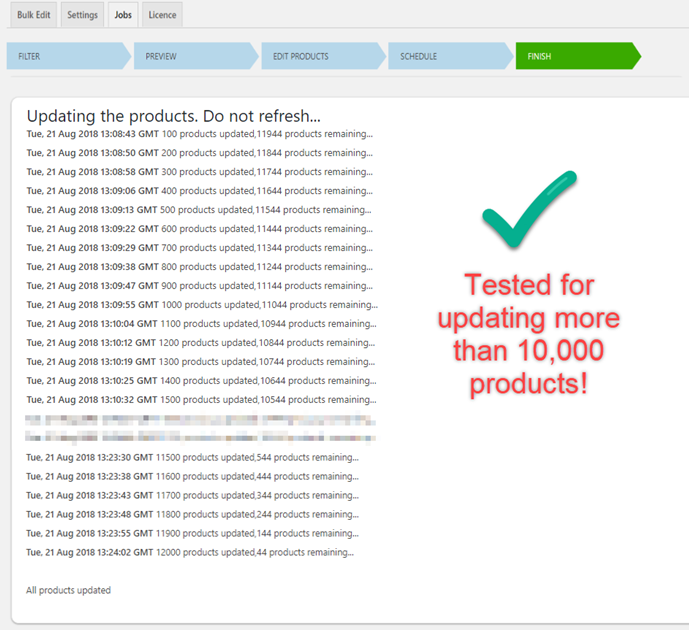
With WooCommerce Bulk Edit Products, Prices, and Attributes, you can easily and instantly bulk edit more than 10,000 WooCommerce Products.
Editing the title or image of one or two products in a store is easy! But what if you need to do the bulk edit to a massive number of products? You may need to modify the same products over and over again, and this tedious task will exhaust our time.
But, worry not! With WooCommerce Bulk Edit Products, Prices & Attributes plugin you can easily and quickly bulk edit more than 10,000 WooCommerce products at a time, whether it’s Simple, Variable, or External. Also, you can filter products, create variations, schedule automatic bulk edit jobs, and undo the most recent changes partially or entirely before the session expires.
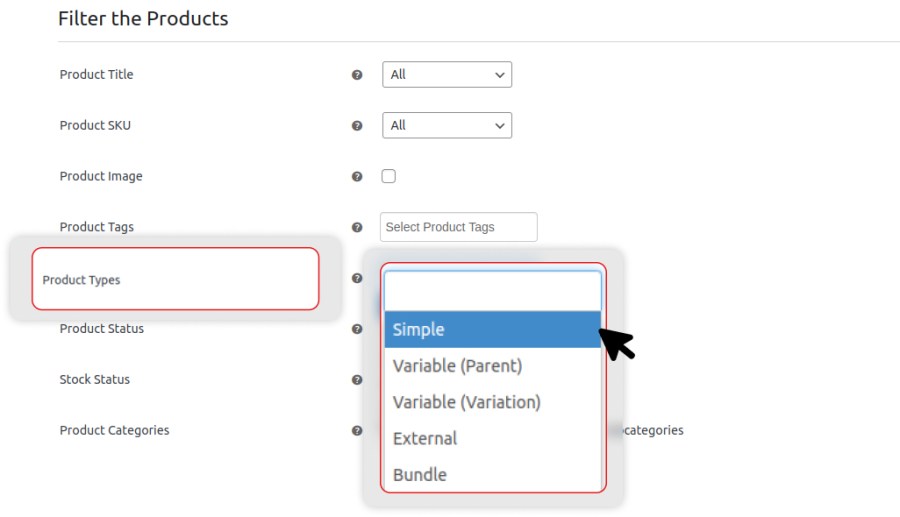
You can bulk edit four types of product variations including Simple, Variable (Parent), Variable (Variations), and External by simply selecting them from the dropdown menu.
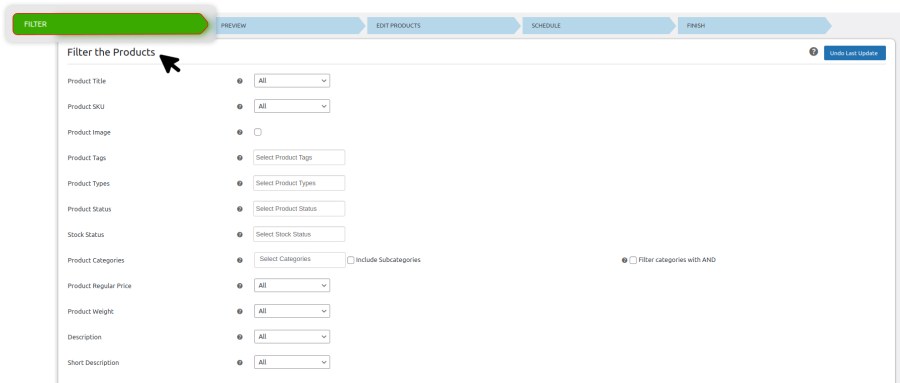
Use the filter options based on a variety of properties to pick specific products or categories to edit. Apply the changes to the required products without affecting other products. You can even exclude some products that come under any filtered categories using their product IDs or exclude the categories from the bulk edit.
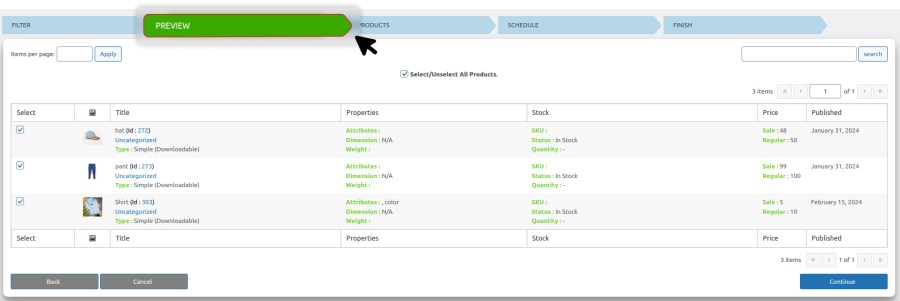
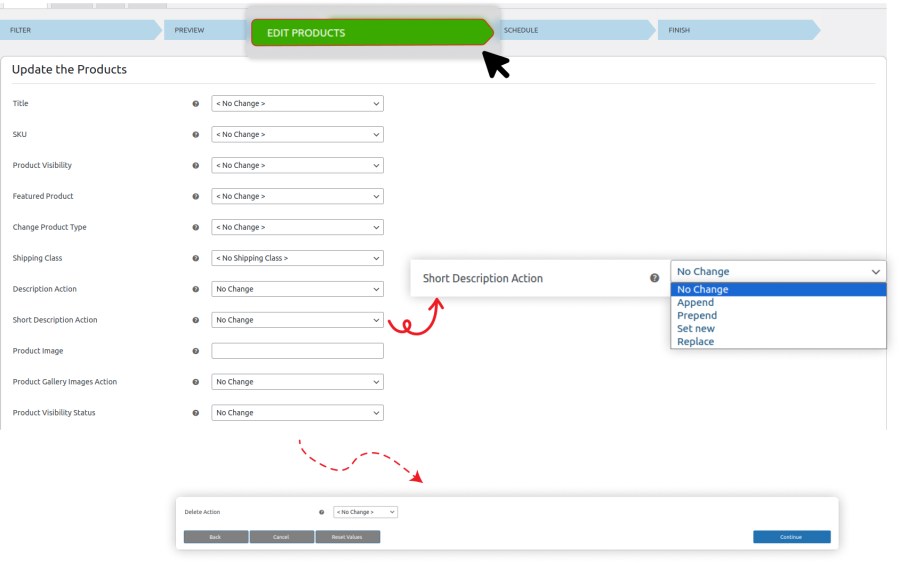
You can bulk edit as many products as you want in just one step and edit fields such as SKU, Stock, Regular Price, Sale Price, Weight, Height, etc. This helps you save time for updating multiple product properties.
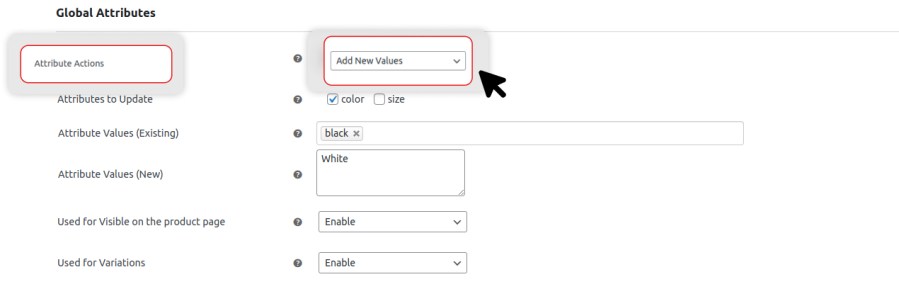
Quickly interchange global product attribute values for variable products. Enable product attributes like color and swap values, such as changing a ‘Yellow’ shirt to ‘Any Color’, by selecting options from drop-down menus.

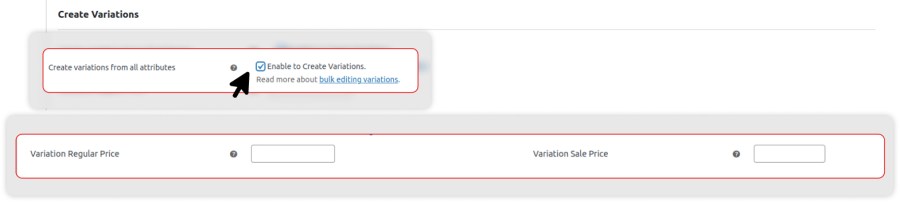
Generate all possible variations for selected variable products based on global and custom attributes with a single click. Additionally, you can update regular and sale prices for these variations in bulk.
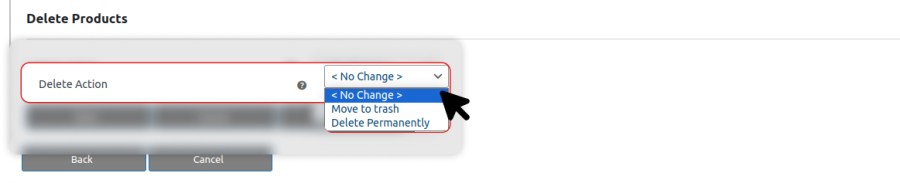
Filter and bulk delete the products permanently or move them to the trash for temporary removal from your store. Further, you can restore the products moved to the trash whenever needed.
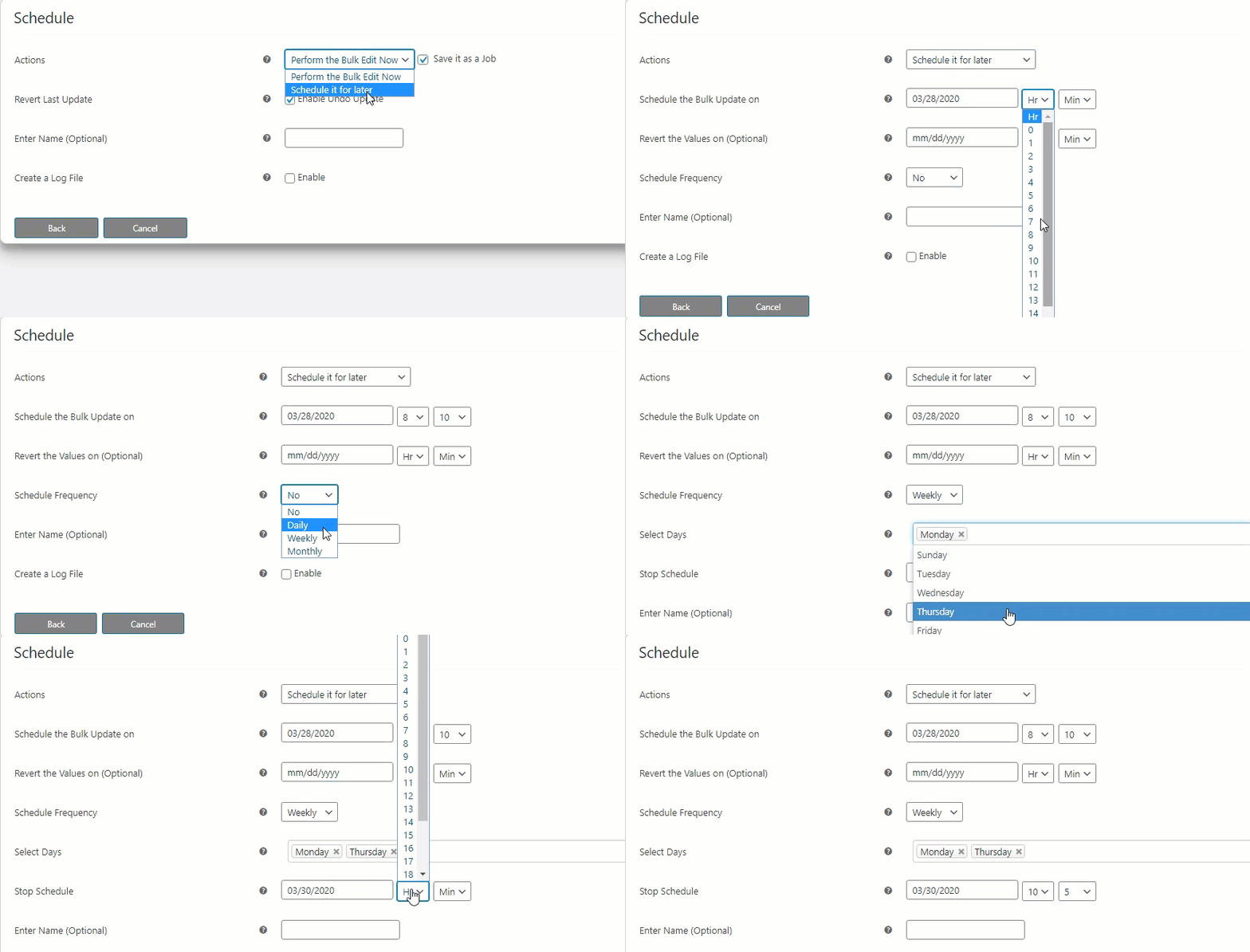
It is a bit difficult to update the same things over and over again as a routine. Here, you can schedule the bulk edit jobs daily, weekly, or monthly and relax as the plugin will execute the jobs on time for a specific period. Now, if you wish to stop the bulk operation after a certain period, you can schedule that too!
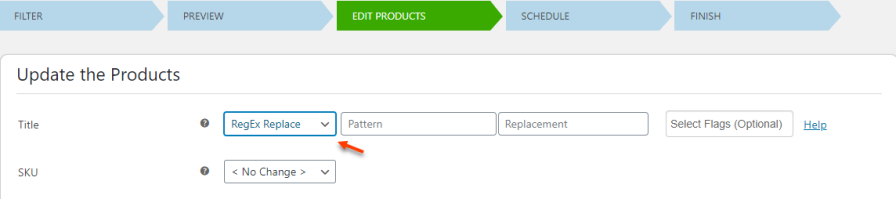
You can use Regular expression (regex) patterns to filter and edit product titles and SKUs in bulk. For instance, if you want to replace titles of products starting with ‘Woo’, enter the pattern as ‘[^Woo]’ (without quotes) in the designated field.
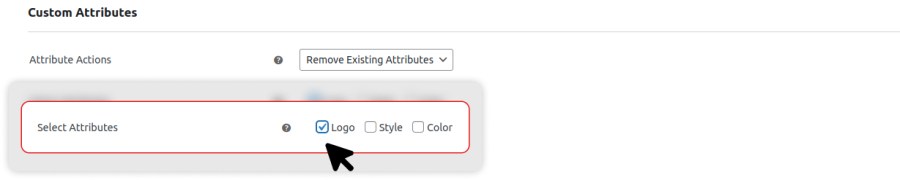
Add, remove, or overwrite an existing global attribute and its values to the filtered products as well as, use the configured attributes for variation purposes. Just like Product Attributes, you can choose to add, remove, or overwrite existing Product Categories to the filtered products.
Easily update custom product fields from third-party plugins by entering their meta keys in the Custom meta settings. Then, you can bulk edit these fields just like any other product information.
Just in a single click, add or replace an existing image with a new image to all the filtered products by simply adding the image URL. Additionally, add, remove or replace an image in the product gallery.

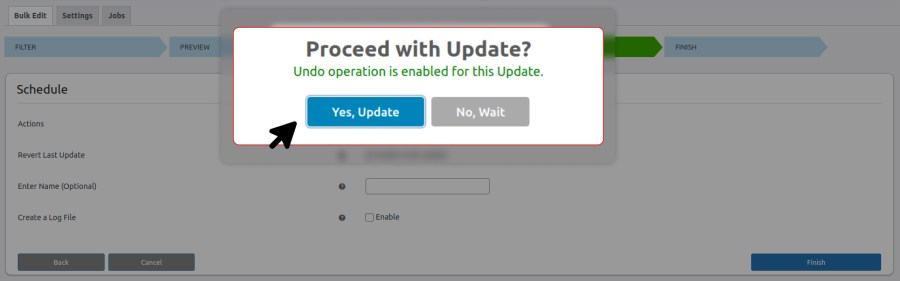
You can completely or partially undo the last bulk operation before the session expires.
Our WooCommerce Bulk Edit Plugin has been tested to bulk edit more than 10,000 products precisely, making it the most feasible WooCommerce plugin for bulk editing products.